How to reschedule a booking

If you’d like to change your booking to a different studio with a different rate, and the system will not allow the change to be processed automatically. In this case, you’ll need to cancel your current booking first, and once the credit is applied to your account, you can rebook the desired studio.
- Log in to your Band Barracks account and locate your existing booking.
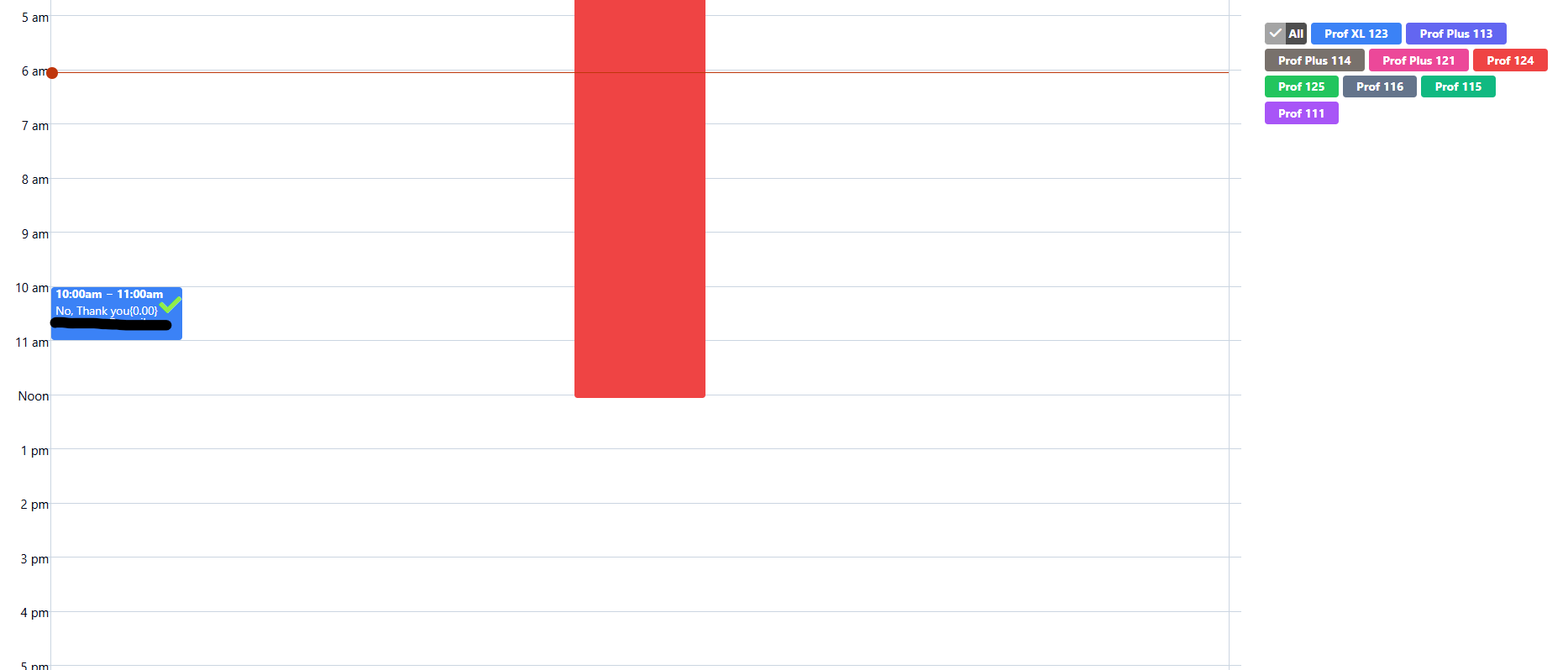
- Click your booking and change the date or time based on what you prefer.
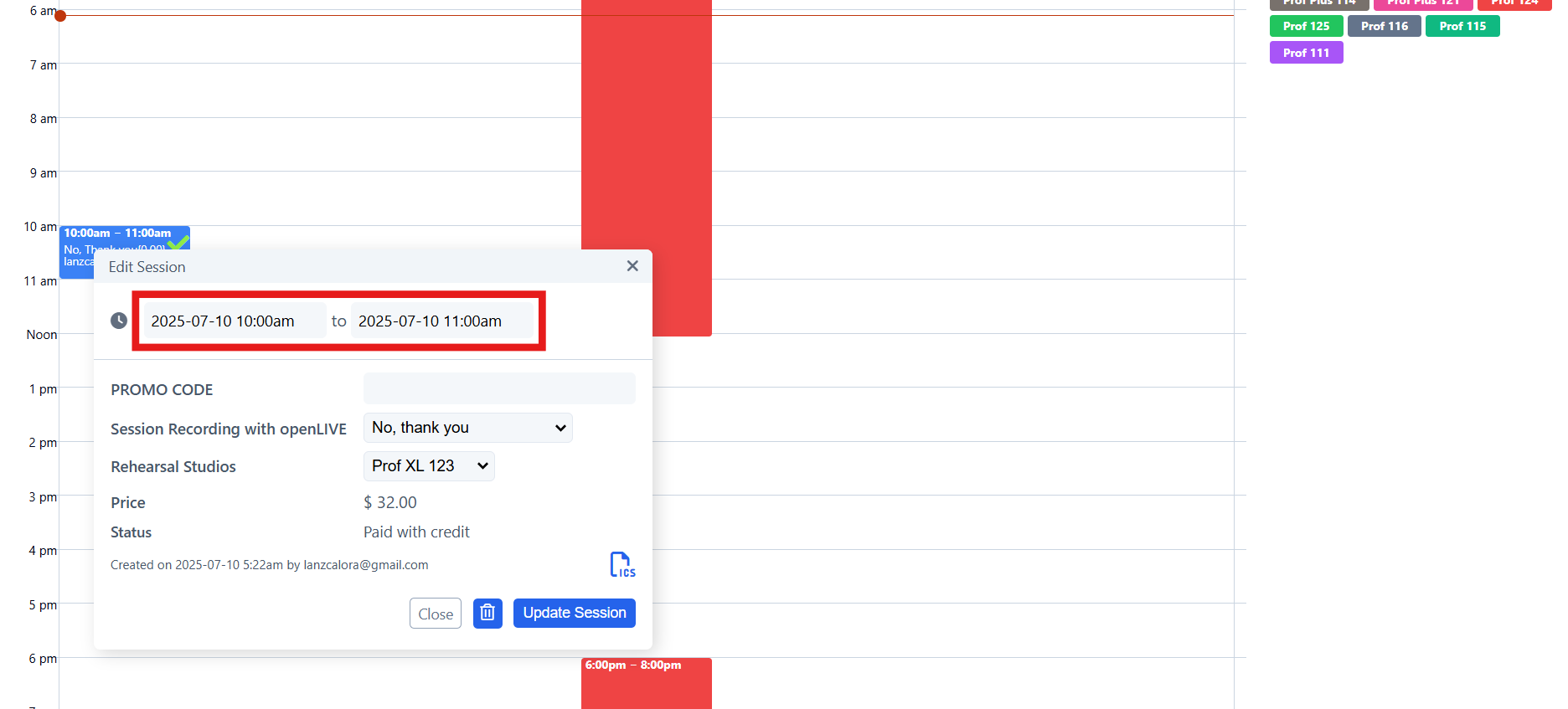
- Once done, click Update Session and confirm if your booking is moved to your preferred date and time.
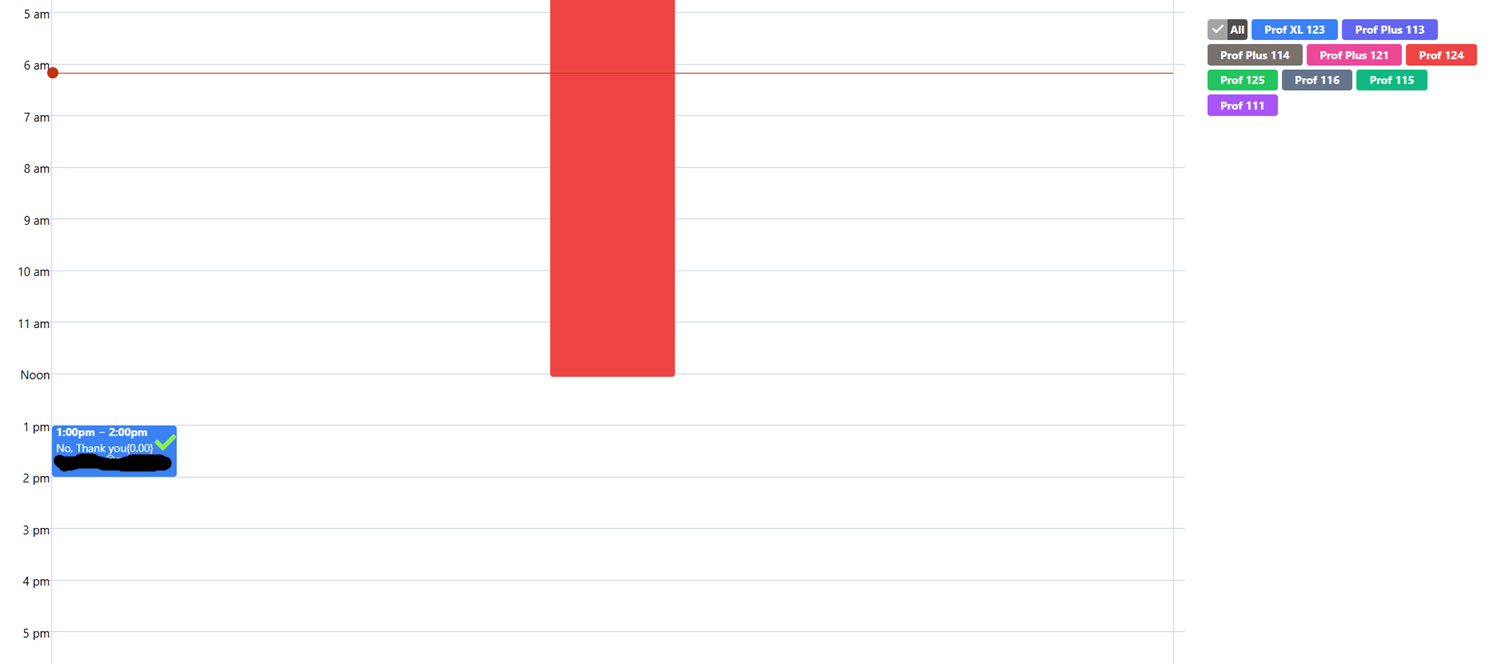
Please update your booking as soon as possible. You may not be able to move your booking an hour from your booked date and time.
You may reschedule your booking only if the price of the new schedule matches the price of your original booking.