How to book a studio (web version)

- Please visit our website at Bandbarracks.com.

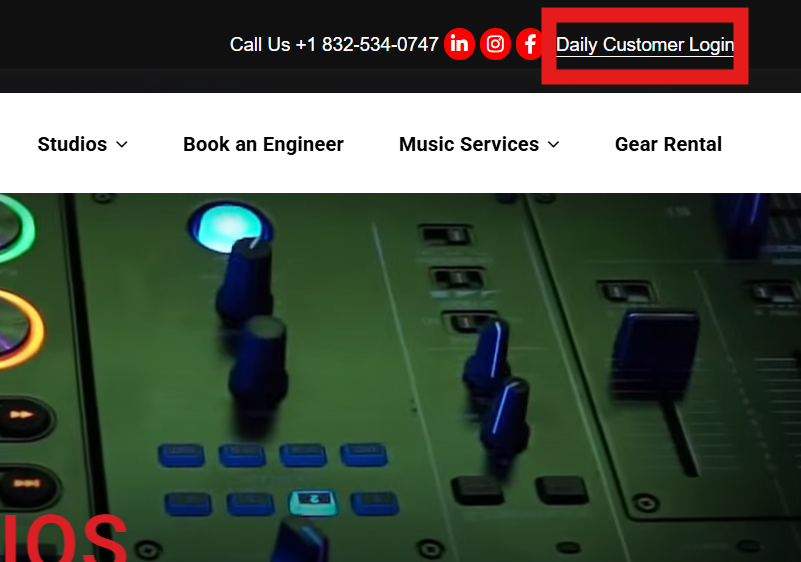
- Click on the "Daily Customer Login" located at the upper right corner of the page.
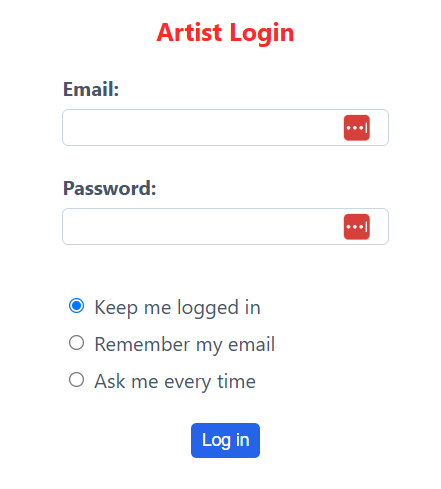
- Enter your Band Barracks email and password to log in, or sign up if you do not have an account yet.
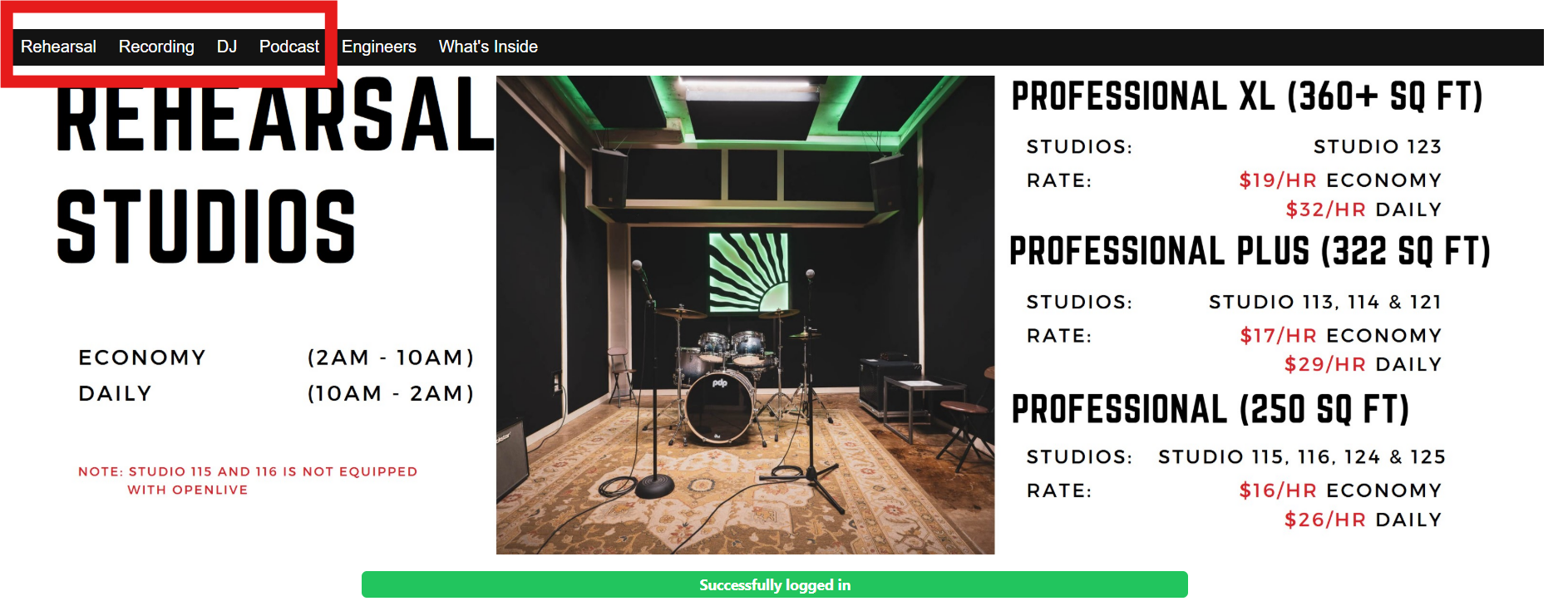
- Upon successful authentication, you will gain access to the various types of studios we provide.
- Select the studio you wish to reserve and click on the desired time duration. Then, proceed by clicking "Create Session".
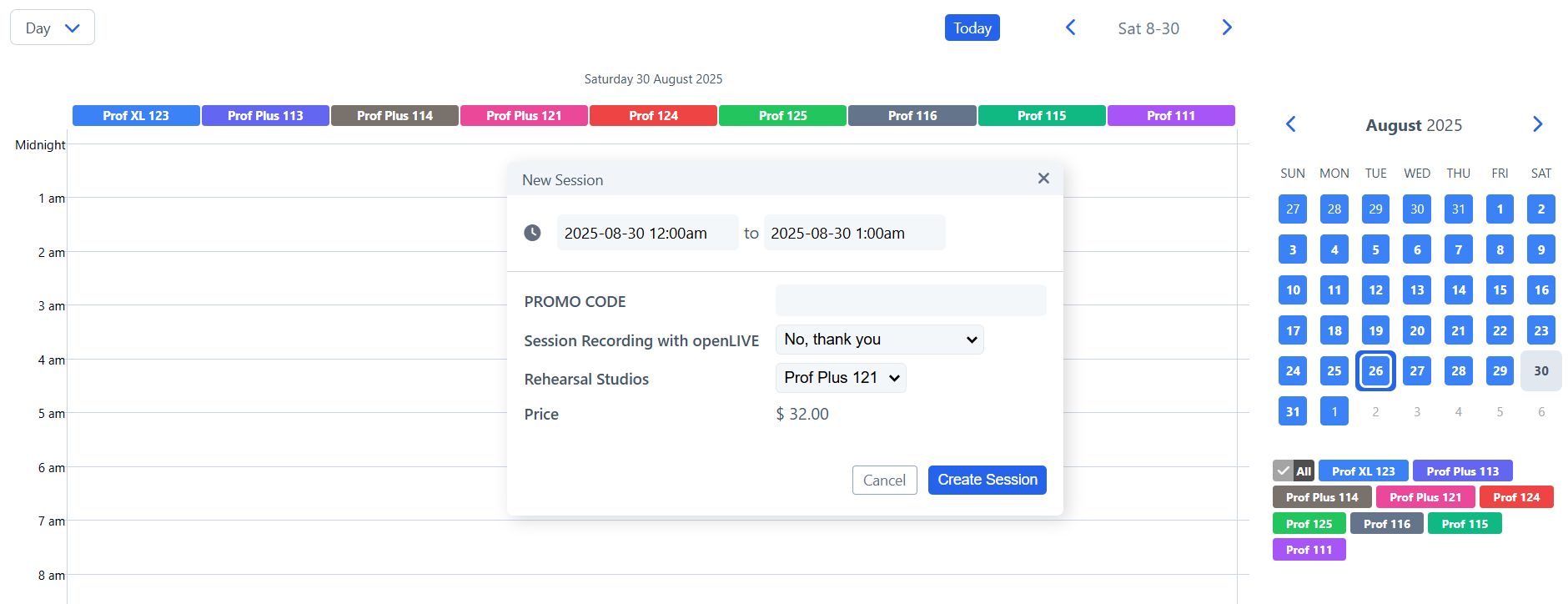
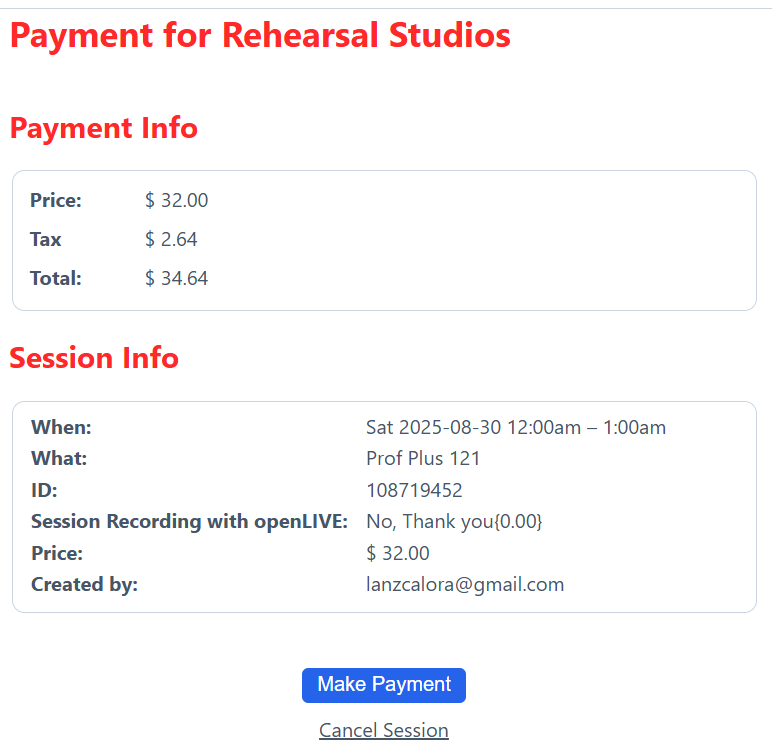
- Ensure all the details are accurate, then proceed to click "Make Payment."
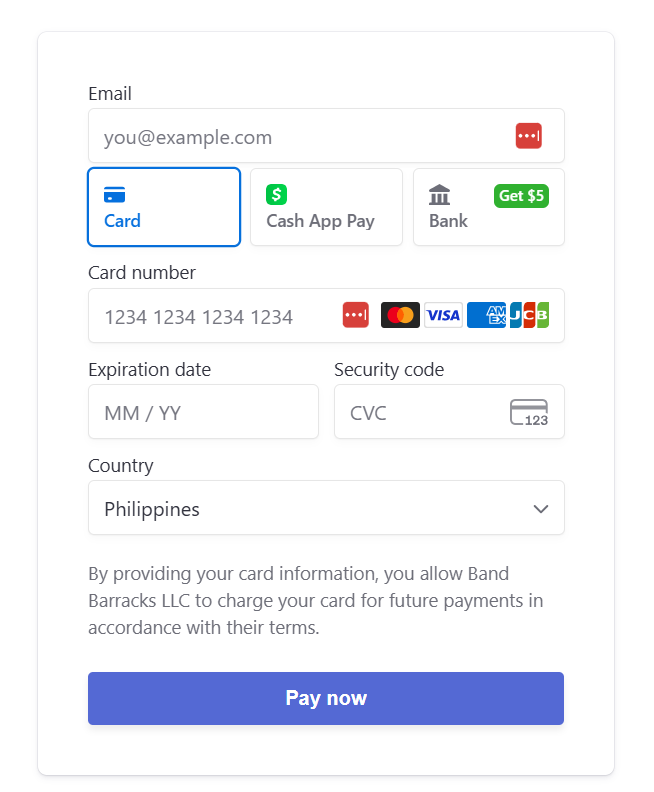
- Please enter your payment details and click "Pay Now."
- Upon successful processing of your payment, an email containing your gate and studio codes will be sent to you.
If this is your first time booking, we kindly advise you to review the article on the ID verification process.